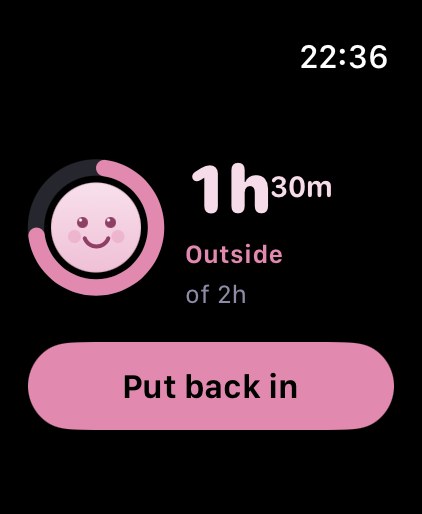
Out for a meal.
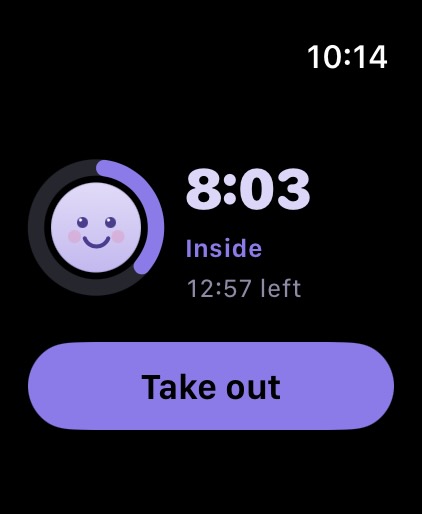
One tap on your iPhone or right on your wrist — works offline, too.
Milo for iPhone & Apple Watch
You tap when your aligners come out, and again when they’re back in. Milo keeps track of your wear time, on iPhone and on Apple Watch. If you forget a tap, you can add it later.
Coming soon · German App Store only
iPhone with iOS 17 or later · Apple Watch optional · Account required

Built by Michael, who wears aligners too.
What a day looks like
Breakfast, lunch, coffee, dinner. Milo shows when your aligners were out and how much wear time added up.
The bars are to scale; the four stretches of time off add up to 1 h 51 min. You enter your goal yourself, as your care team gave it to you.

One tap on your iPhone or right on your wrist — works offline, too.
If you like, Milo lets you know after a time you set yourself: Your aligner’s been out for 45 minutes.
Milo keeps counting your wear time, even when the app is closed.
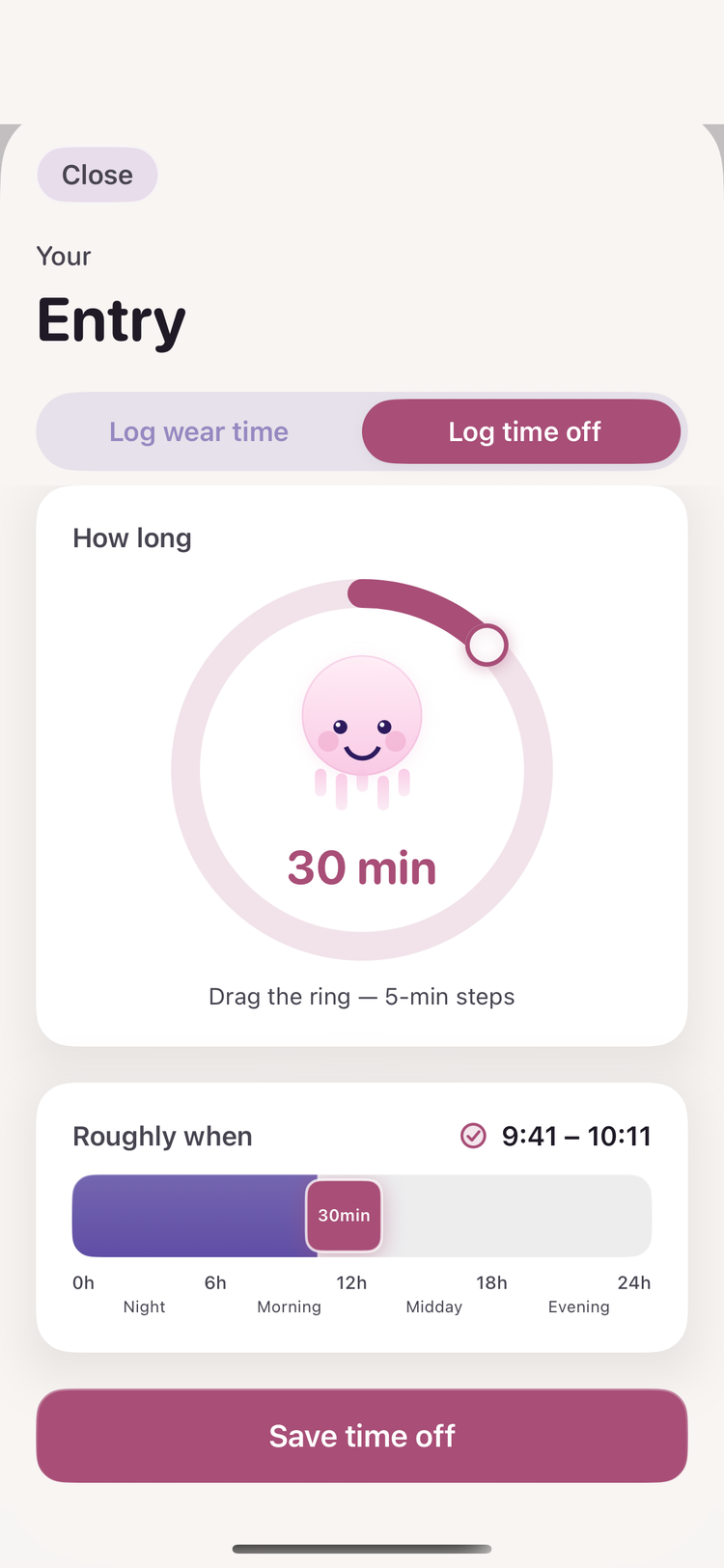
Log the time off later and slide it roughly to where it was.
Switch in or out without taking your iPhone out of your pocket.
Three complications show your status.
Widgets show your wear time and plan.
Two small widgets, and while your aligners are out, the time keeps running there.
Over days and weeks
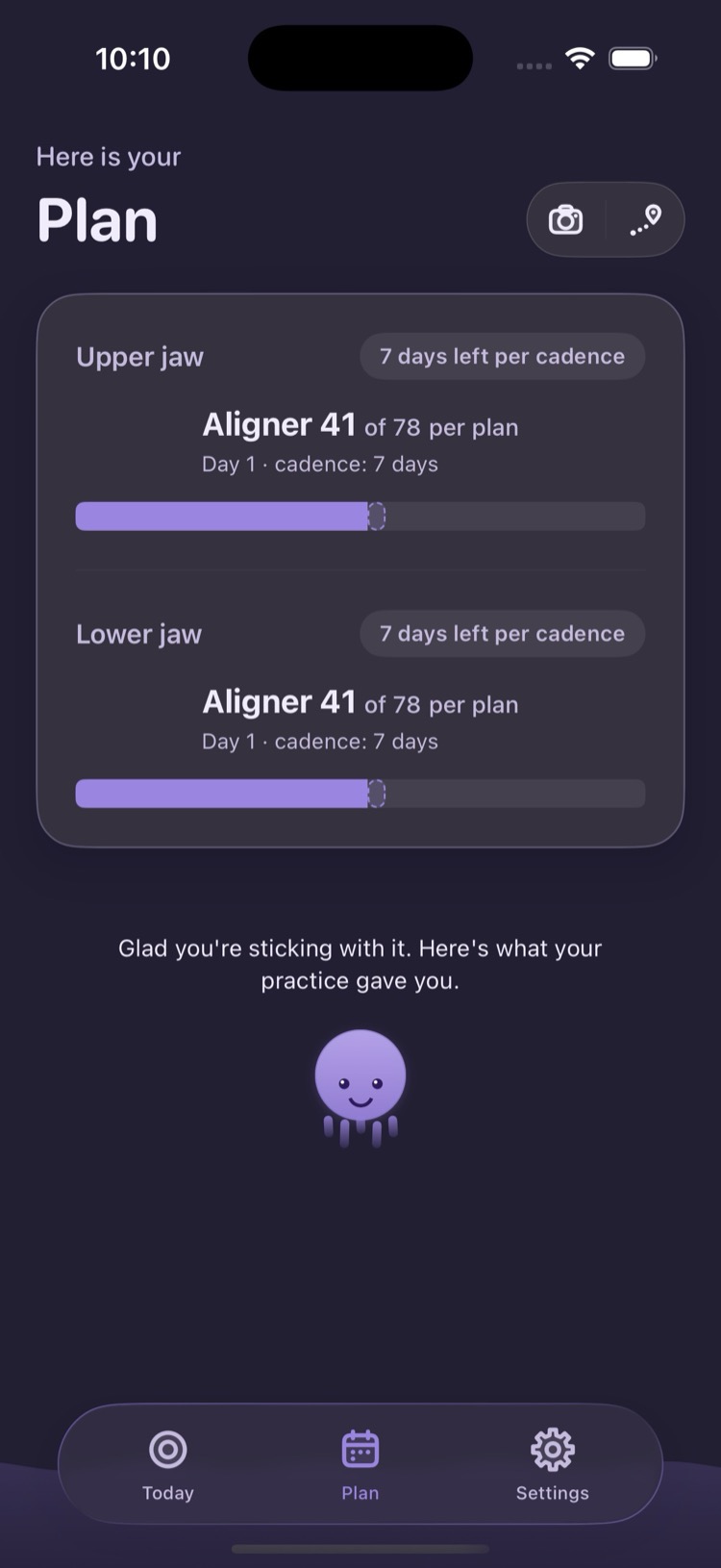
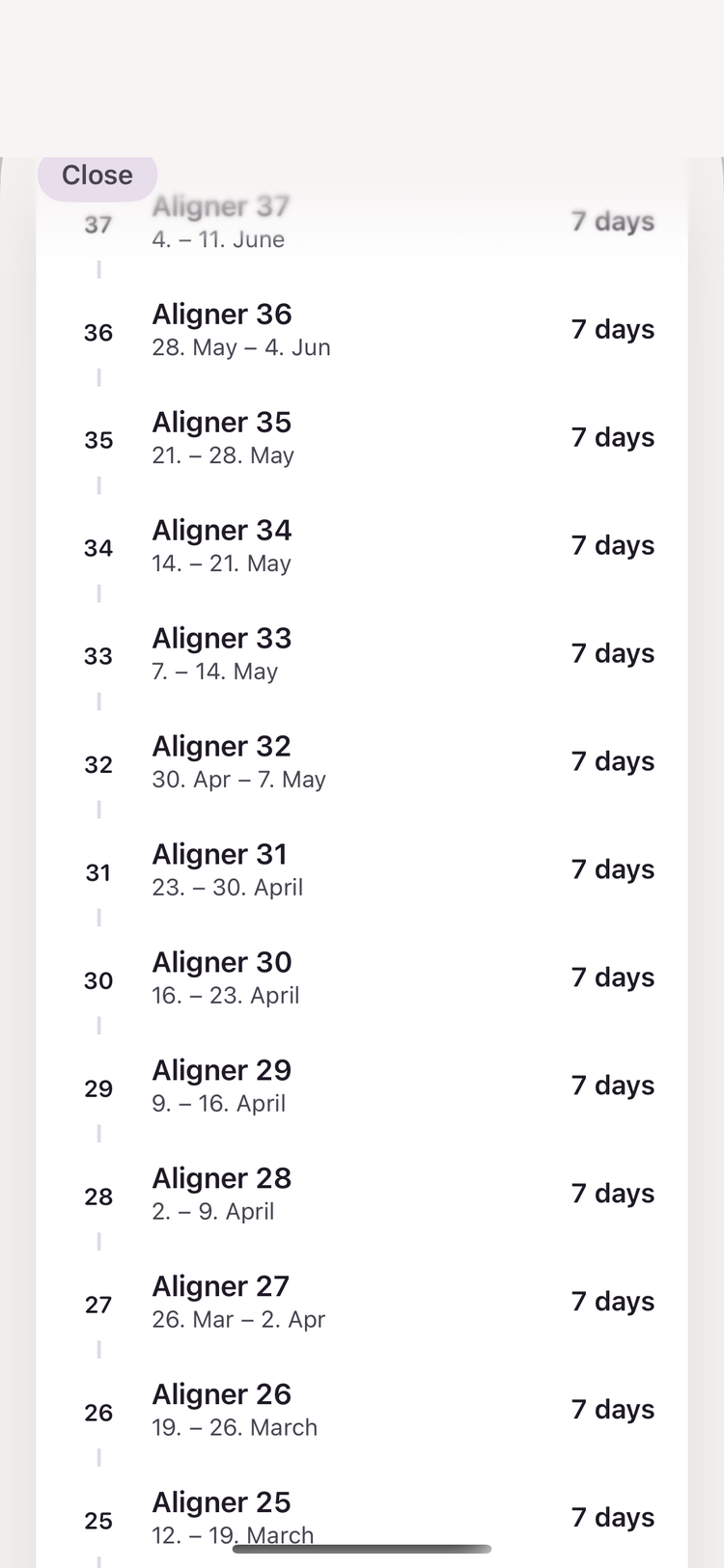
Milo keeps track of which aligner you’re on — upper and lower jaw separately, even when they start at different times.
“Glad you’re sticking with it. Here’s what your practice gave you.” Milo, in the Plan tab
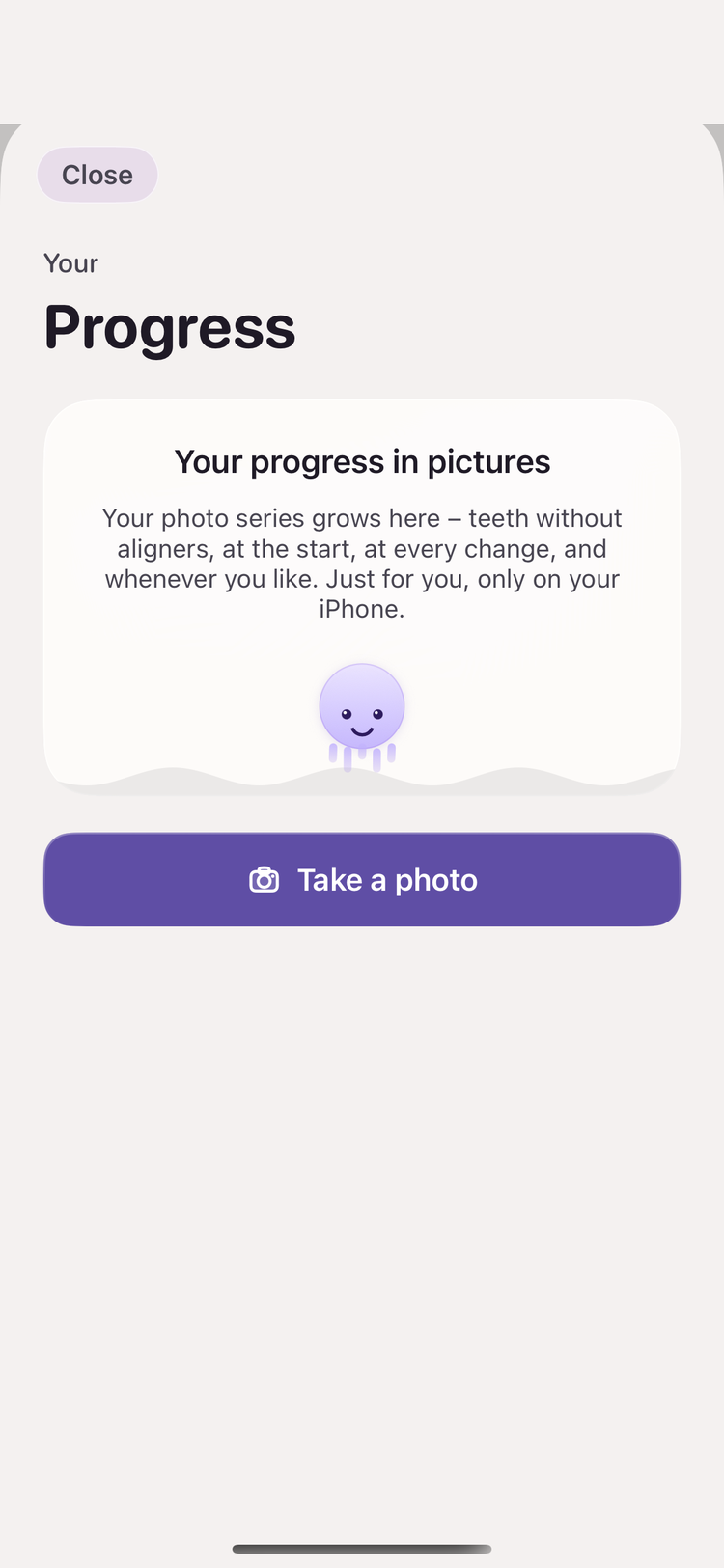
Progress photos
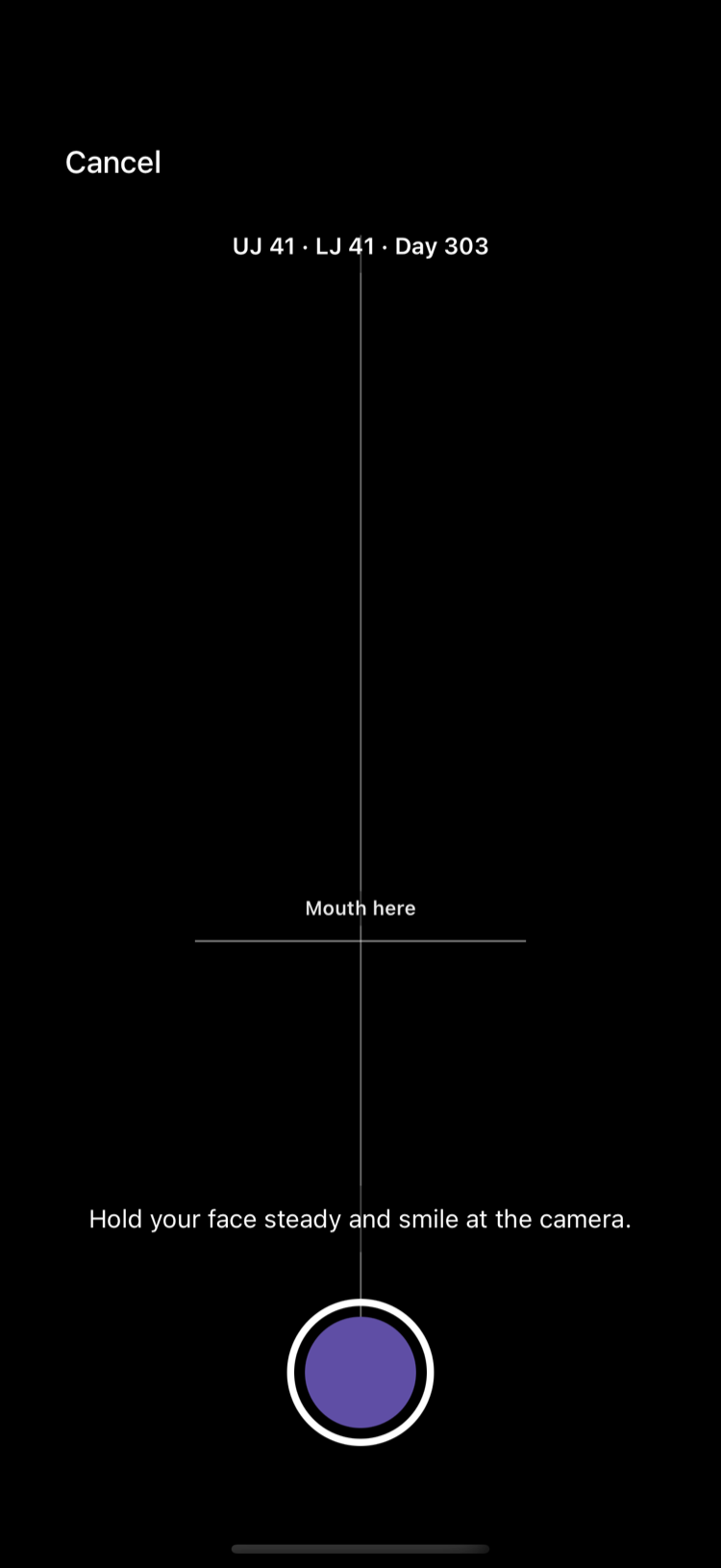
Capture your progress whenever you like. The camera overlays your last photo as a template, so the angle stays close from one photo to the next.
They live in your photo library, in an album called “Milo”. Milo doesn’t upload them anywhere.
Trust & data
Hi, I’m Michael. I wear aligners myself, and I know how hard it is to keep an eye on your wear time along the way. So I built an iPhone app that does exactly that — without putting pressure on you. I hope Milo helps you just as much.
Email MichaelYour wear times and plan are stored on servers in the EU.
You delete your account in the app. Backups drop your data within 30 days at the latest.
No ad IDs, no trackers. Your treatment is not an ad profile.
The app grows with your text-size setting.
I’ll send you exactly one email when Milo is in the German App Store. No newsletter.
Drop me a line. I’ll only use your address for that one email and delete it afterwards. Privacy